
DStv Explora installation requires a bit more care than a standard decoder setup. The DStv Explora is MultiChoice’s flagship decoder — built-in recording, catch-up, and streaming apps alongside your normal channels. Getting the most out of one means more than a basic install: it needs a properly aligned dish capable of supporting it, correct cabling, MultiChoice account activation, and WiFi or LAN setup for the streaming and catch-up features to actually work.
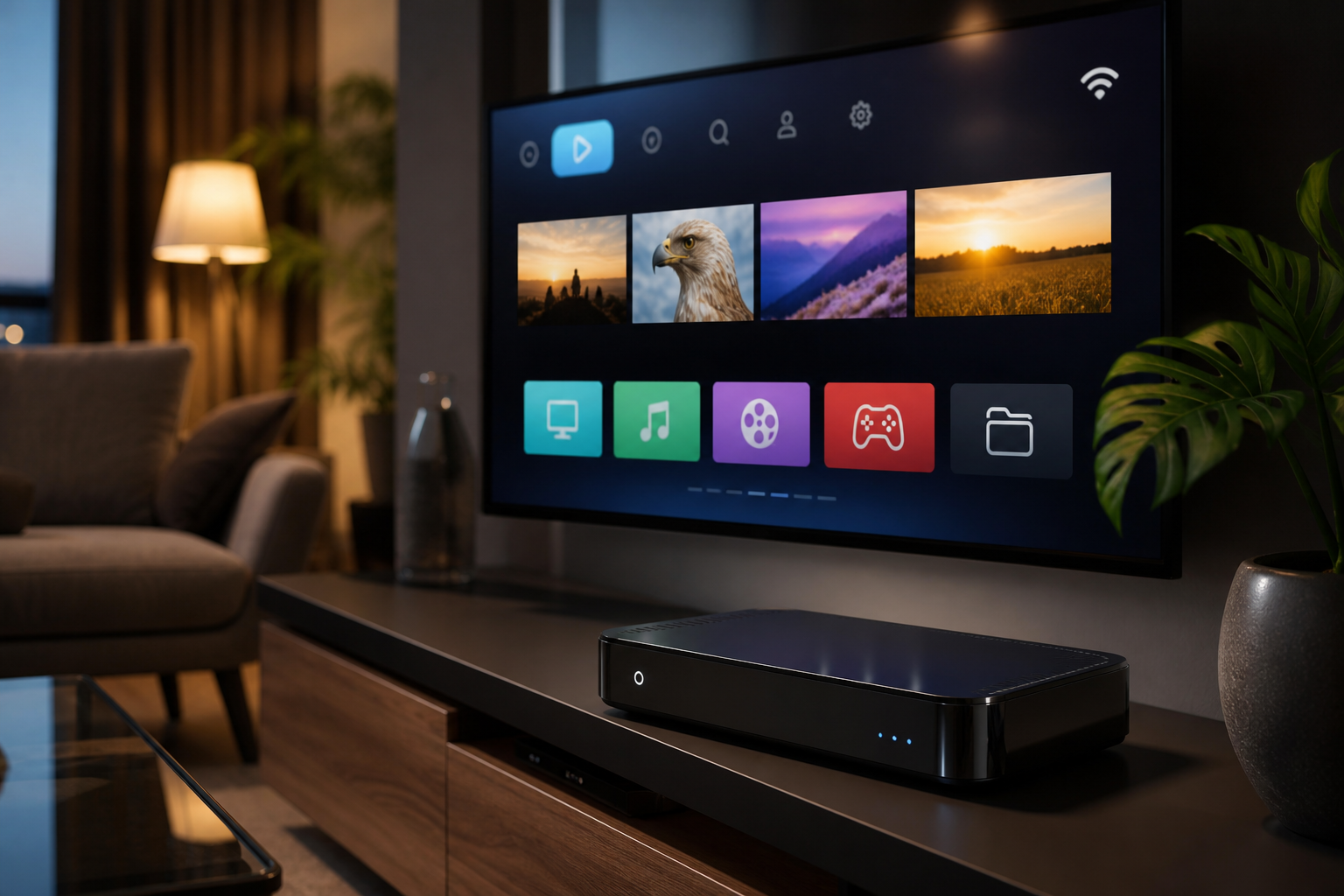
What’s Included in DStv Explora Installation
TV Signal installs new Explora decoders and upgrades existing setups to Explora, including checking your dish/LNB can support it, full cabling and activation, and connecting and testing the WiFi/streaming functions before we leave.
Getting the Most Out of Your Explora’s Smart Features
We don’t just leave you with a working decoder — we make sure WiFi, catch-up, and streaming apps are actually connected and tested, so you’re not left figuring out the smart features on your own.
Why Choose TV Signal for DStv Explora Installation
Explora installs go wrong most often at the WiFi/streaming setup step, which is exactly the part we test before considering the job complete.
Explora Compatibility With Older Dishes
Older single-LNB dishes installed years ago for a standard decoder often can’t supply the extra tuner feed an Explora needs, which is the most common reason an Explora installation also involves an LNB or dish upgrade. We check this during the initial assessment so it’s reflected in your quote from the start, not added as a surprise cost partway through the job.
If you already own a compatible dish from a previous Explora or HD PVR installation, that can usually be reused, keeping the upgrade to just the decoder and activation.
Get in touch for an Explora installation quote, including an honest check of whether your current dish can support it.
We also offer a brief follow-up check by phone a week or two after installation for Explora setups specifically, since streaming and app issues sometimes only show up once a household has used the smart features for a while rather than on day one.
We test every DStv Explora installation for WiFi and streaming reliability, not just basic channel reception, before finishing the job.
Related DStv Services
Not sure which service you need, or want a free quote? Contact TV Signal or call 079 754 5527.
Making the Most of Explora’s Streaming Features
The Explora’s catch-up and streaming apps only work reliably with a stable internet connection reaching the decoder — WiFi signal strength at the TV point is one of the most common reasons these features feel slow or unreliable after installation. We test your actual WiFi signal at the decoder location, not just confirm your router works elsewhere in the house.
If your router is far from where the Explora is installed, we can advise on options like a WiFi extender or a wired connection, since a strong physical connection makes a bigger difference to streaming reliability than most people expect.
We recommend checking your DStv account is set up for streaming access before your Explora installation, since a subscription-side restriction can look identical to a WiFi problem and waste time troubleshooting the wrong thing.
Frequently Asked Questions About DStv Explora Installation
Can my current dish support an Explora?
It depends on the LNB — Explora decoders need a dedicated tuner feed, so older single-LNB dishes often need upgrading. We check this before quoting.
Do I need WiFi for the Explora to work?
Basic viewing works without WiFi, but catch-up, streaming apps, and some smart features require an internet connection.
Can I upgrade my existing decoder to an Explora?
Yes, we handle Explora upgrades from standard and HD PVR decoders, including any dish/LNB changes needed.
What streaming apps work on the Explora?
The Explora supports a range of built-in and app-based streaming options — we can confirm current app availability when we set up your unit.