
DStv decoder installation involves more steps than most people expect. Setting up a new DStv decoder involves more than plugging it in — correct cabling from the dish or multiswitch, MultiChoice account activation and smart card pairing, channel scanning, and, for PVR and Explora models, connecting to WiFi/LAN for catch-up and streaming features.
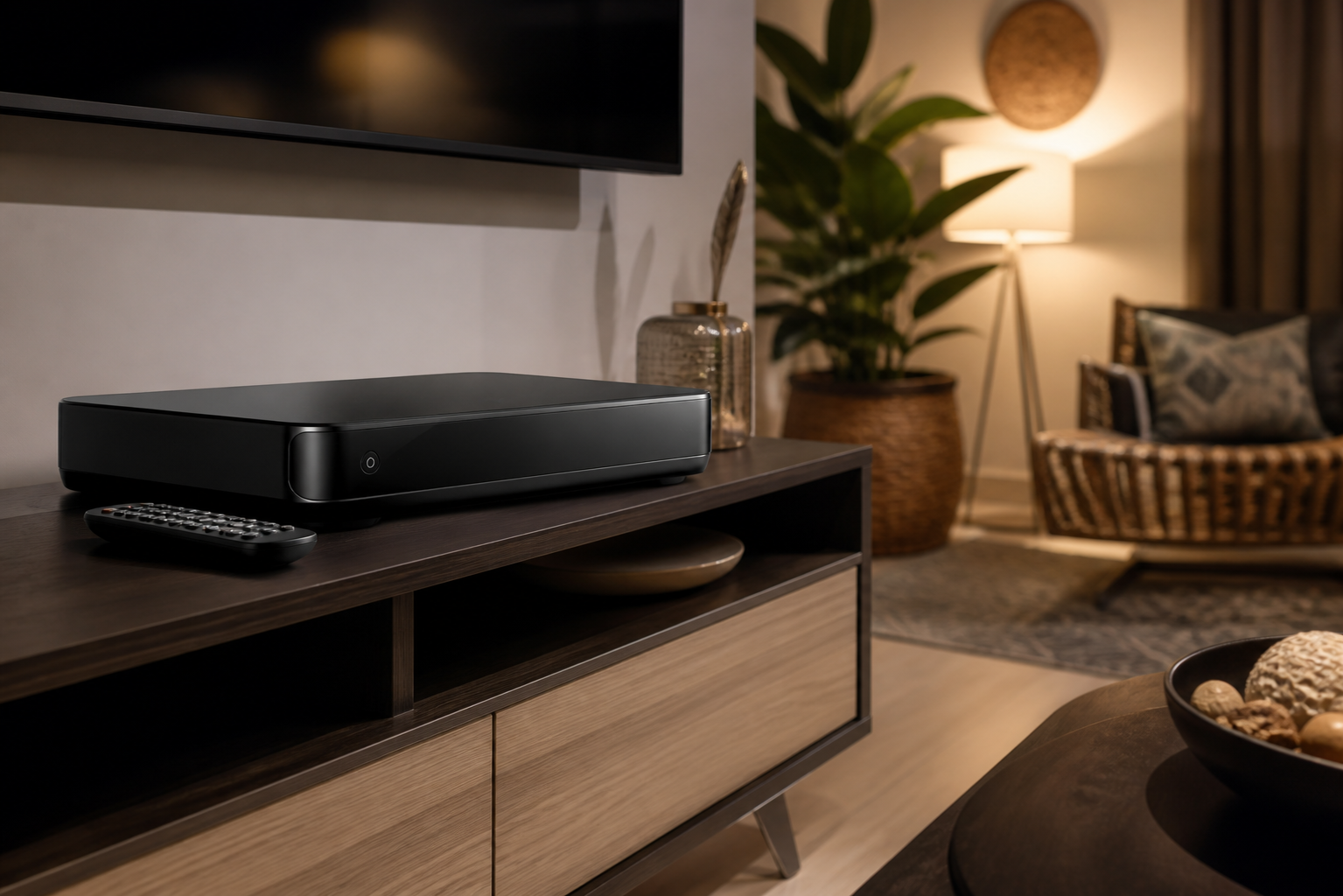
What’s Included in DStv Decoder Installation
TV Signal installs all current DStv decoder types — standard, HD PVR, and Explora — as part of a new DStv installation or as a standalone decoder swap for an existing dish. We handle the account activation and pairing directly so your decoder is live and working before we leave.
Which DStv Decoder Is Right for You?
A standard decoder suits basic viewing, HD PVR adds recording and pause/rewind, and Explora adds WiFi streaming and catch-up on top of that — we can advise based on how your household actually watches TV.
Why Choose TV Signal for DStv Decoder Installation
We walk you through the remote and basic settings if it’s your first DStv decoder, so you’re not left figuring it out alone after we leave.
Installing for a New Build or Renovation
If you’re installing DStv in a new build or after a renovation, cabling is worth planning before walls are closed up — running conduit for future decoder points during construction is far cheaper than retrofitting cable runs afterward. We can advise on cable routing during the building phase if you loop us in early enough.
For rentals and tenanted properties, we also work directly with letting agents and landlords to schedule installations around tenant move-in dates, so the property is ready with working DStv from day one rather than the new tenant waiting on a separate appointment.
Every decoder installation includes a walkthrough of the remote and basic menu, so you’re comfortable using it before we leave.
For first-time DStv households, we also explain the different channel bouquets and how to manage your subscription online, so you’re not calling us for basic account questions after we’ve left. It’s a small thing, but it saves customers a surprising amount of frustration in the first week.
Every DStv decoder installation we complete is tested end-to-end before we consider the job finished.
Related DStv Services
Not sure which service you need, or want a free quote? Contact TV Signal or call 079 754 5527.
What Happens During Activation
Activating a new decoder means pairing its smart card with your MultiChoice account, confirming your subscription package loads correctly, and running a full channel scan — skipping any of these steps is the most common reason a “successfully installed” decoder still shows missing channels the next day. We complete and verify all three before we consider a decoder installation finished.
For households with more than one decoder, we also confirm each unit is registered correctly rather than accidentally duplicated on the account, which can cause billing and channel-access issues down the line if missed.
If it’s a replacement for a faulty unit, we’ll also deregister the old decoder from your account so you’re not being billed for hardware that’s no longer in use.
Frequently Asked Questions About DStv Decoder Installation
How long does decoder installation take?
A straightforward decoder installation onto an existing dish usually takes under an hour, including activation and a signal test.
Do I need a new dish for a new decoder?
Not usually, provided your existing dish and LNB are in good condition and support the decoder type — we check this on-site.
Can you activate the decoder on my MultiChoice account?
Yes, we handle activation and smart card pairing as part of every decoder installation.
Do you install decoders for businesses?
Yes, we install and support DStv decoders for offices, waiting rooms, and hospitality venues in addition to residential installs.